User manual
Less Gain Stage
Gain, polarity and a measured readout for setting levels.
macOS: AU and VST3, Apple silicon · Windows: VST3, 64 bit
mixlessaudio.com · support@mixlessaudio.com
Overview
Less Gain Stage measures your level, you type the target, and it shows the difference to apply. A small tool for gain and polarity with a measured readout.
Installation
Run the installer for your platform. On macOS the AU
and VST3 versions install for all users; on Windows the VST3 installs
under Common Files. Factory presets install into your user preset
folder and are never overwritten: presets you save land in the same
folder and stay yours.
| macOS presets |
~/Library/Application Support/MixLess/Presets/Less Gain Stage |
| Windows presets |
%APPDATA%\MixLess\Presets\Less Gain Stage |
The interface
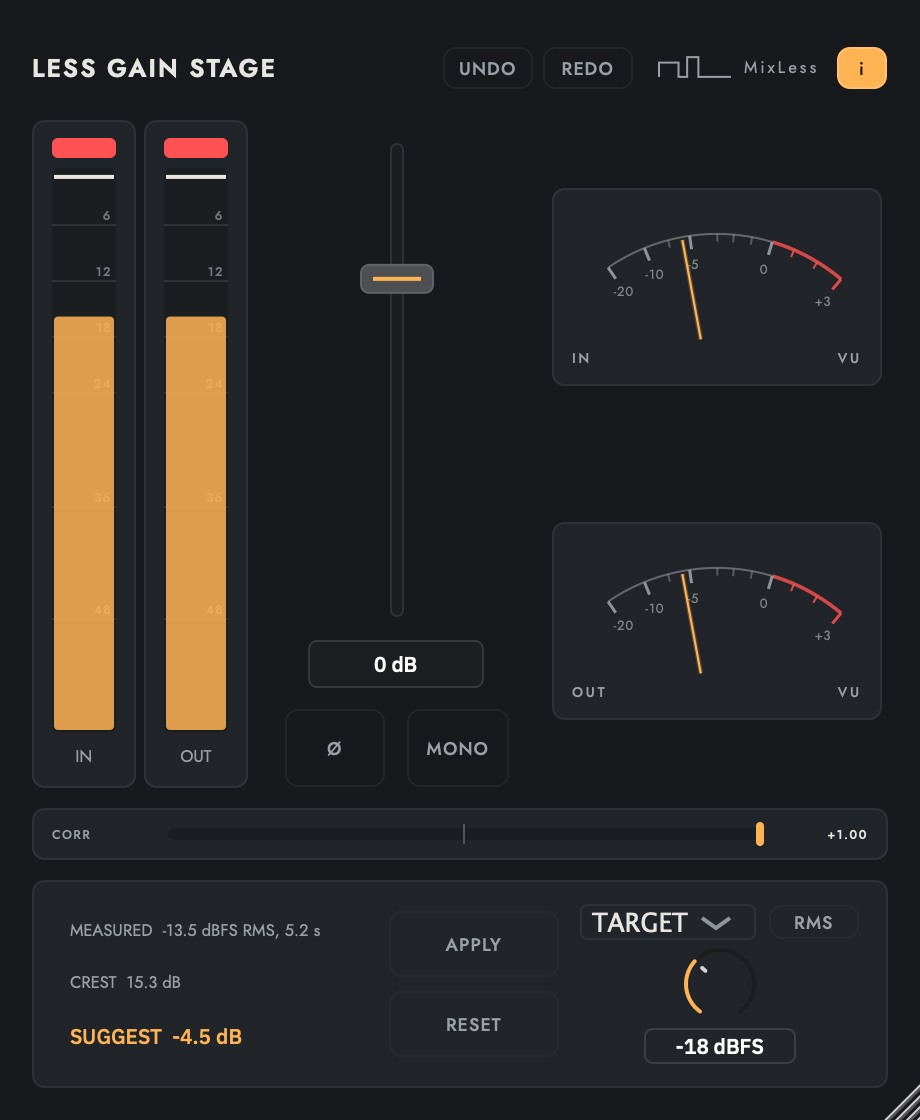
The screenshot is the shipping
interface, rendered by the shipping code. Press I in the plugin to
toggle the same control descriptions as cursor tooltips.
The screen while it works
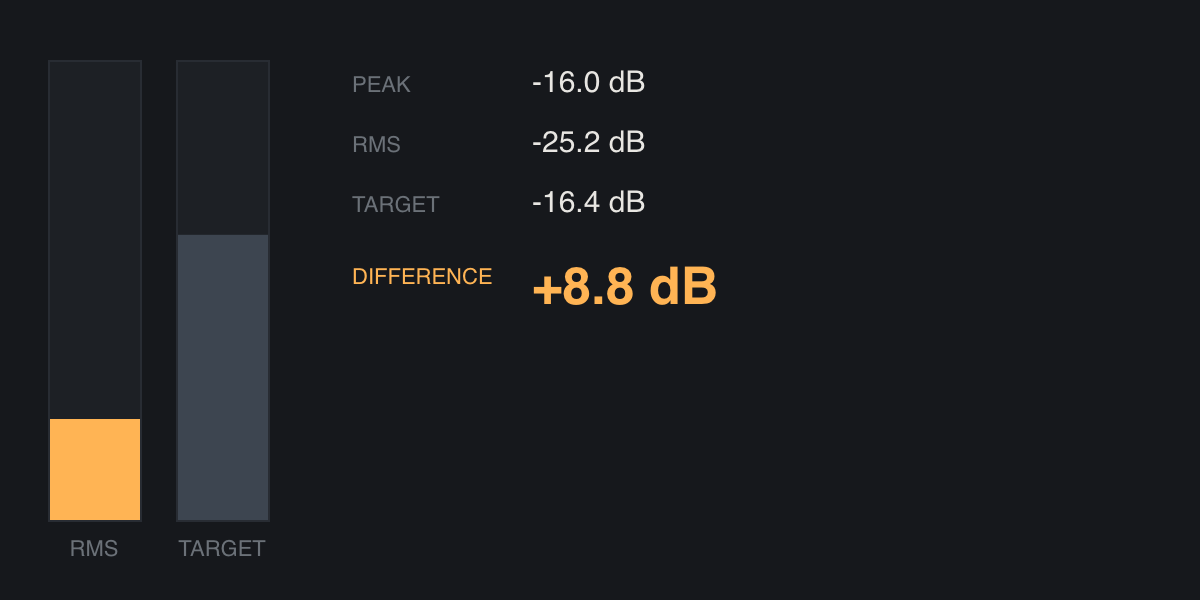
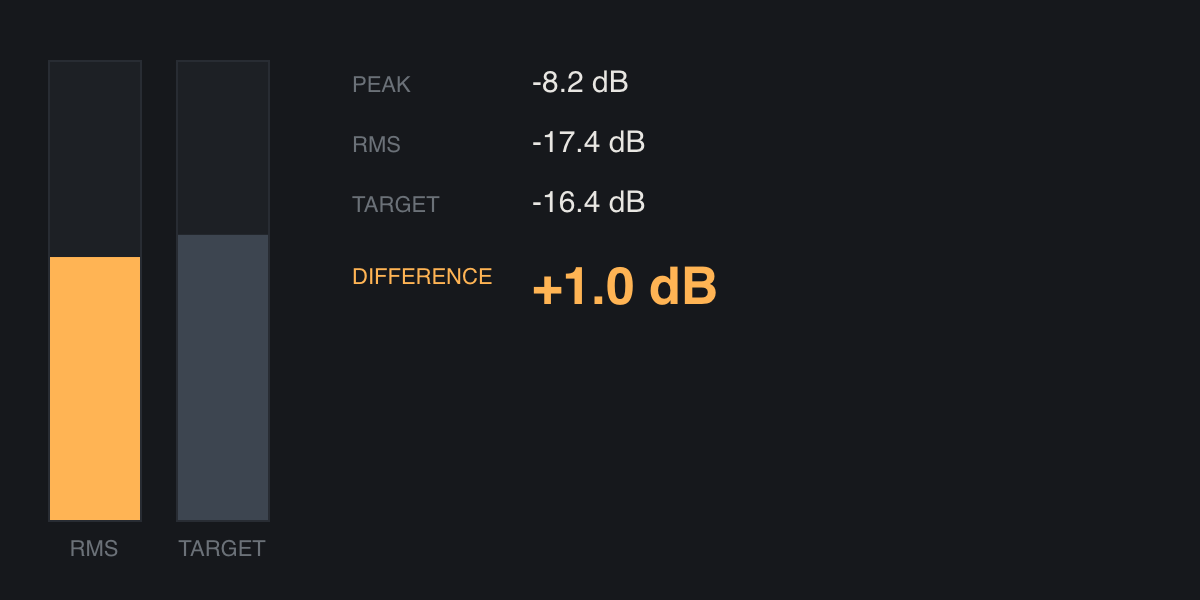
Two moments from the same
display: at rest, and with material running through it. Print cannot
move, so these are frames of the animation rather than a drawing of
it.
Workflows
Stage a channel
Insert Less Gain Stage first in the chain. Type your target level and adjust Gain until the meter's distance readout reaches zero; every plugin after it now works in its sweet spot.
Check polarity
On multi-mic sources, flip POLARITY and listen: if the body comes back, the phase was the problem.
Trim without touching the fader
Use Gain for static level moves and keep the DAW fader for automation; the two jobs stay separate and the mix stays readable.
Tips
The default state is numerically transparent, tested at a tolerance of 0.0000001.
Gain staging is arithmetic here: the readout shows the distance to your target in dB.
Polarity is a free diagnosis: one click answers the phase question.
Specifications
| Formats | AU, VST3 |
| Latency | 0 samples |
| Default state | numerically transparent, tested at 1e-7 |
Support
Questions and problems: support@mixlessaudio.com.
Legal notices, the privacy notice and third-party licences:
mixlessaudio.com.